
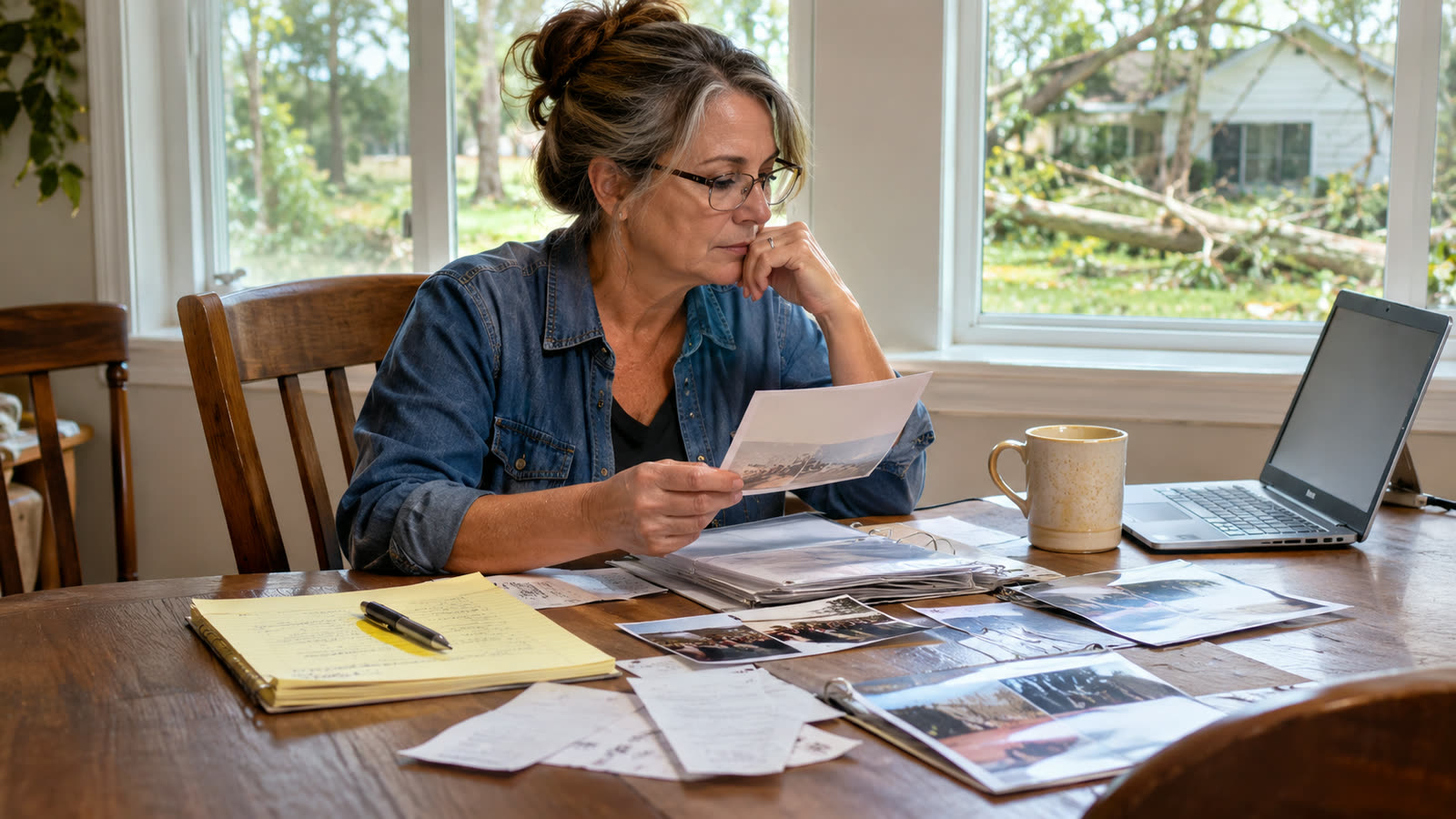
The best home record is useless if it disappears with the phone, computer, or building where it was kept.
A record is only as durable as its copies
Imagine completing a careful room-by-room inventory and leaving the only copy on a laptop in the study. A fire, flood, theft, or device failure could destroy both the possessions and the information meant to document them. Avoiding this does not require an elaborate technology system. It requires one clear question: where would you find the record if you could not enter your home or use your everyday phone?
 Keep an understandable primary record
Organize the material so that someone other than you can understand it. Use recognizable names for rooms and folders. Preserve original photographs, receipts, invoices, notes, and any reports you produce. A PDF is useful for reading and sharing, but it may not include full-resolution images or the editable information needed to rebuild your inventory. If your software offers both a readable PDF and a restorable backup archive, preserve both and understand their distinct purposes.
A second location matters more than a fancy system
An additional copy in a private cloud account, on a drive stored elsewhere, or in another protected location can reduce the risk of losing the only record. A second folder on the same laptop does not protect against losing that laptop. A drive in the same house can be lost with the house. Choose an arrangement that matches your comfort with security and that you can actually maintain. Household photos may reveal addresses, possessions, serial numbers, or security features, so use access controls appropriate to the sensitivity of the files.
Synchronization is not always recovery
Some services synchronize files across devices. This is convenient, but a mistaken deletion or an overwritten file may also be synchronized. Review the service’s version history and recovery features. Do not assume that adding images to an album creates independent copies, or that an emailed PDF preserves the complete original record. A backup should be something you can retrieve even when the source device is unavailable.
Test the copy you intend to rely on
After saving, open the copy from the destination—not just from the application that created it. Review a few rooms, open several original photographs, and confirm that important labels remain legible. If the application produces a ZIP intended for restoration, test that the archive can be imported on a second compatible device using test data before relying on it. Do not casually overwrite a live record while experimenting. For a real household archive, confirm the file size and retain the earlier version until the replacement has been checked.
Make future-you a small promise
Set a reminder to check the record once a year and after a move, renovation, or major purchase. Note where the backups are stored and who could access them in an emergency. Do not store passwords in a publicly shareable inventory. A simple process performed reliably beats a complicated backup plan no one remembers how to use.
Related guide: how to photograph your home before a loss.